Reports and CBOM
Export a CycloneDX 1.6 CBOM and a one-page readiness summary for every realm or just one, and each realm's inventory as CSV. Share them with whoever tracks your post-quantum migration.
- Where
- Discover › Reports
- Who
- Auditors and above
Before You Begin
You need the auditor role or higher. The guardian builds the reports from the PQC Inventory, so your nodes must be observing traffic.
Choosing the Scope
Open Discover › Reports. The settings at the top apply to every inventory download and to the summary:
- Policy is NIST or CNSA 2.0, and decides what counts as quantum-safe.
- Window is 24 h, 7 days, 30 days or 90 days.
- Network is All, Host network or Overlay.
The Inventory exports panel repeats these settings in its header, so you can check them before you download.
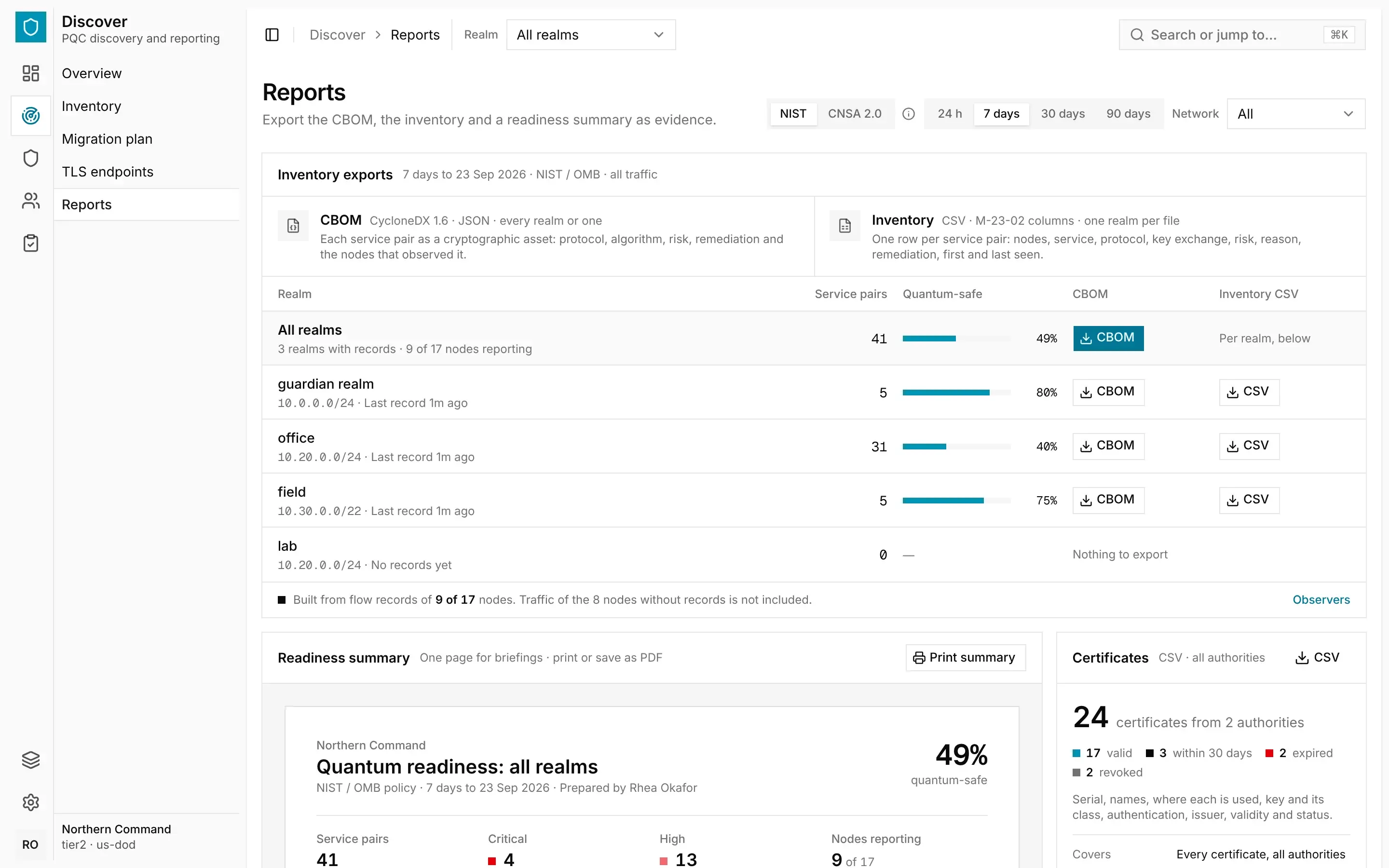
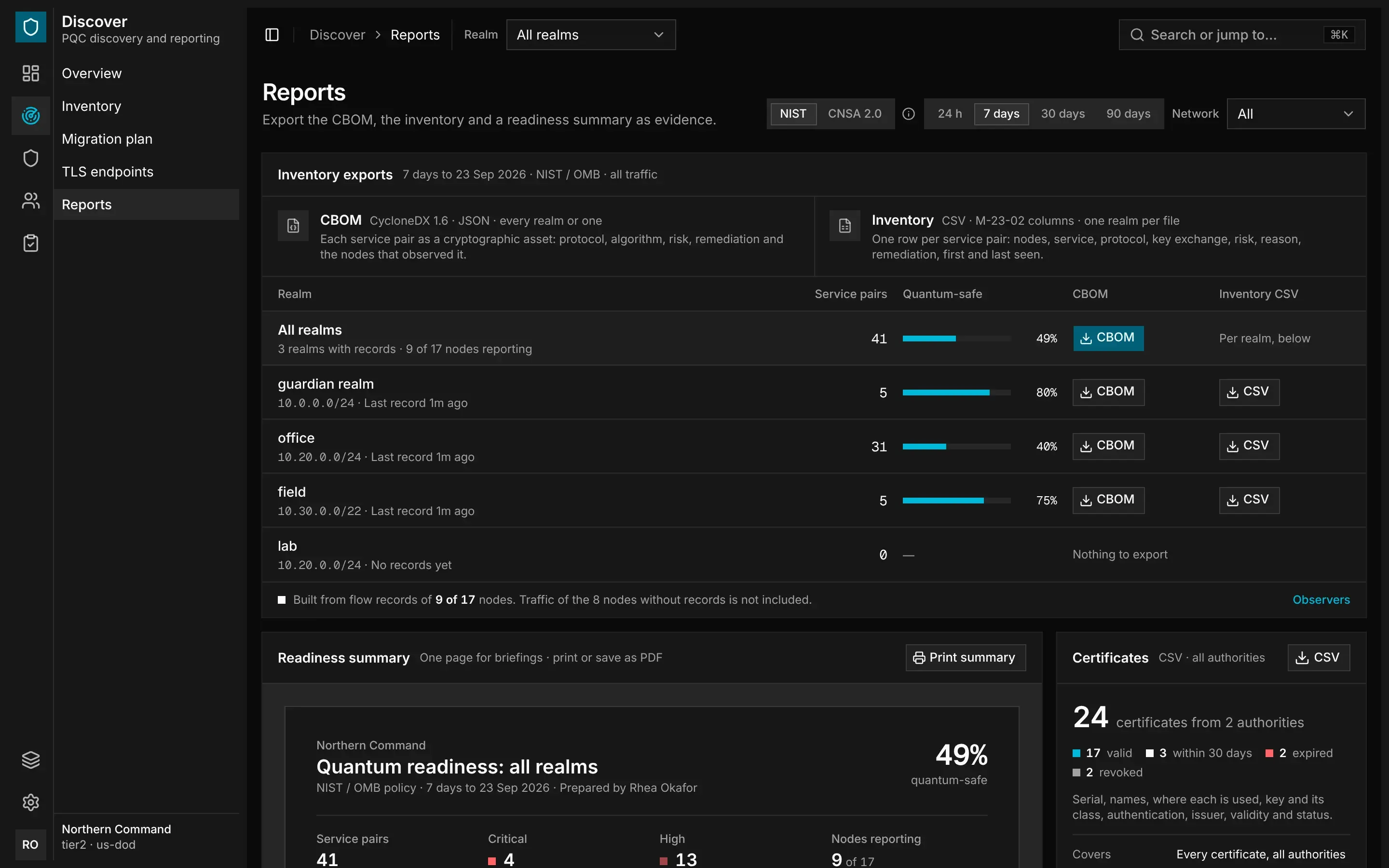
Exporting the CBOM
The CBOM is a cryptography bill of materials in CycloneDX 1.6 JSON format. It lists each service pair as a cryptographic asset, with its protocol, algorithm, risk and remediation, and the nodes that observed it.
In Inventory exports, find the row for All realms or for a single realm. Each row shows the realm's service pairs and quantum-safe share.
The all-realms CBOM puts every realm in one file, with one platform component for each realm. Each service is prefixed with its realm, so services in different realms never clash. A cryptographic asset that two realms share is listed only once. Every CBOM is checked against the CycloneDX 1.6 schema.
You can also download the CBOM with Export CBOM on the Overview and on Discover › Overview, or from the Export menu on the inventory and the migration plan.
Exporting the Inventory as CSV
The inventory CSV has one row for each service pair, in the columns that OMB memo M-23-02 asks for. Each row gives the nodes, service, protocol and key exchange, the risk and its reason, the remediation, and when the pair was first and last seen.
Each CSV file covers one realm. To download it, select CSV on that realm's row. The Export menu on the inventory offers the same file.
Printing the Readiness Summary
The Readiness summary is a one-page report for briefings. It shows the number of service pairs, how many are at critical and high risk, the nodes reporting, the remediation, the top exposures, the changes in the window and the certificates issued.
Select Print summary, then print it or save it as a PDF from your browser's print dialog.
Exporting Certificates
The Certificates panel exports every certificate from every authority as one CSV file, whatever scope you chose. To download it, select CSV. The same file is available from Export CSV on Manage › Certificates.
The CBOM is also available to auditors as the Cryptographic inventory evidence item. See Evidence and Signed Packs.