Certificates and Authorities
Run your own ML-DSA certificate authorities in the guardian. Issue, renew and revoke X.509 certificates from them, and let clients check the revocation lists the guardian publishes daily.
- Where
- Manage › Certificates and Manage › Authorities
- Who
- Auditors read, managers issue, admins revoke
Authorities
An authority is a root CA and, by default, an issuing CA below it. The root signs only the issuing CA and its own revocation list, and the issuing CA signs your certificates. In an authority with only a root CA, the root signs certificates directly.
| Tier | Name | Key | Lasts |
|---|---|---|---|
| Root CA | NAME Root CA | ML-DSA-87 | 10 years |
| Issuing CA | NAME Issuing CA | ML-DSA-65 | 5 years |
Every key, signature and check is made with conflux cert in FIPS 140-3 mode, using the conflux your deployment already runs. The CA keys are sealed in the guardian and never leave it. Backing up the guardian's state store also backs up every authority. See Backup and Restore.
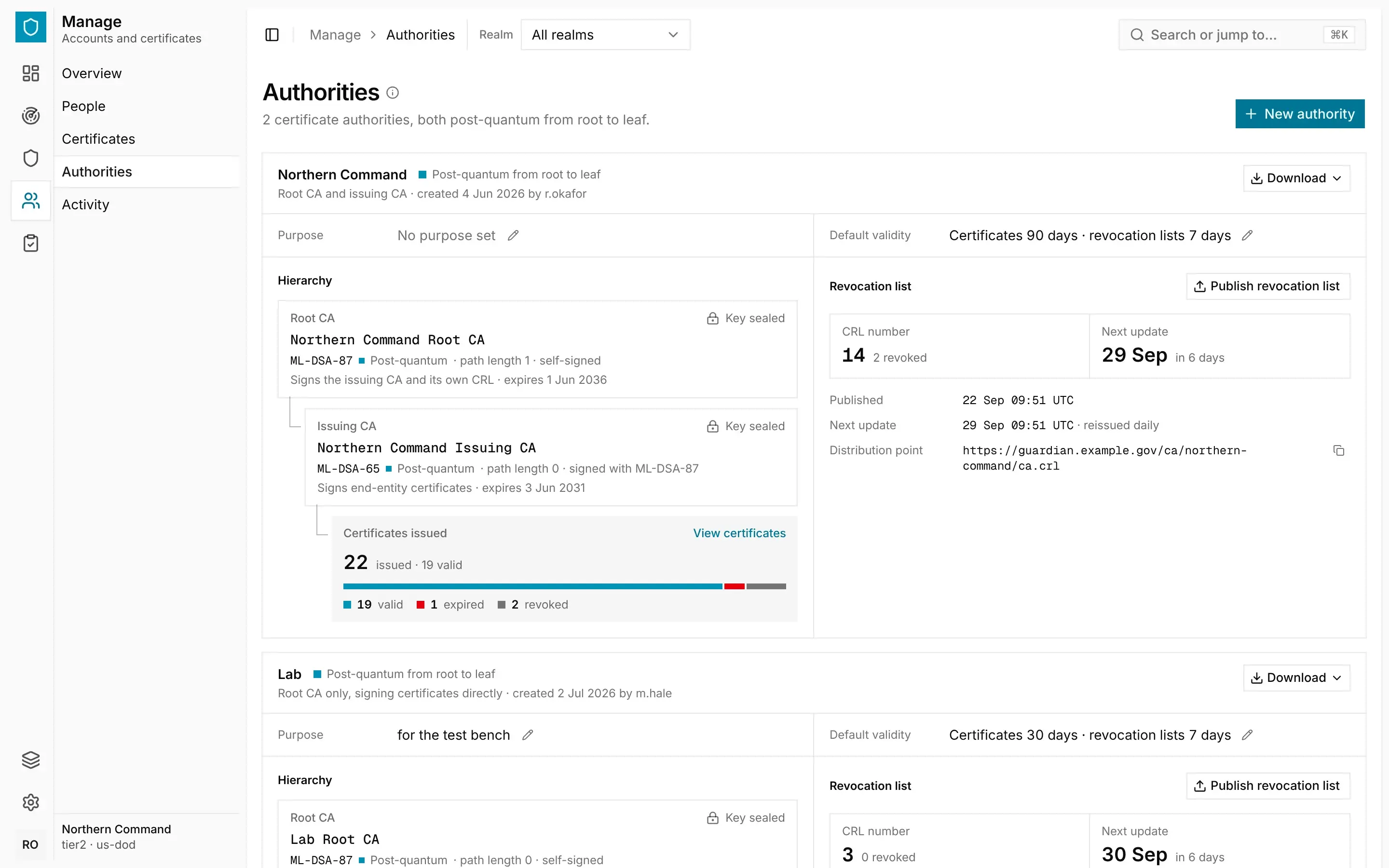
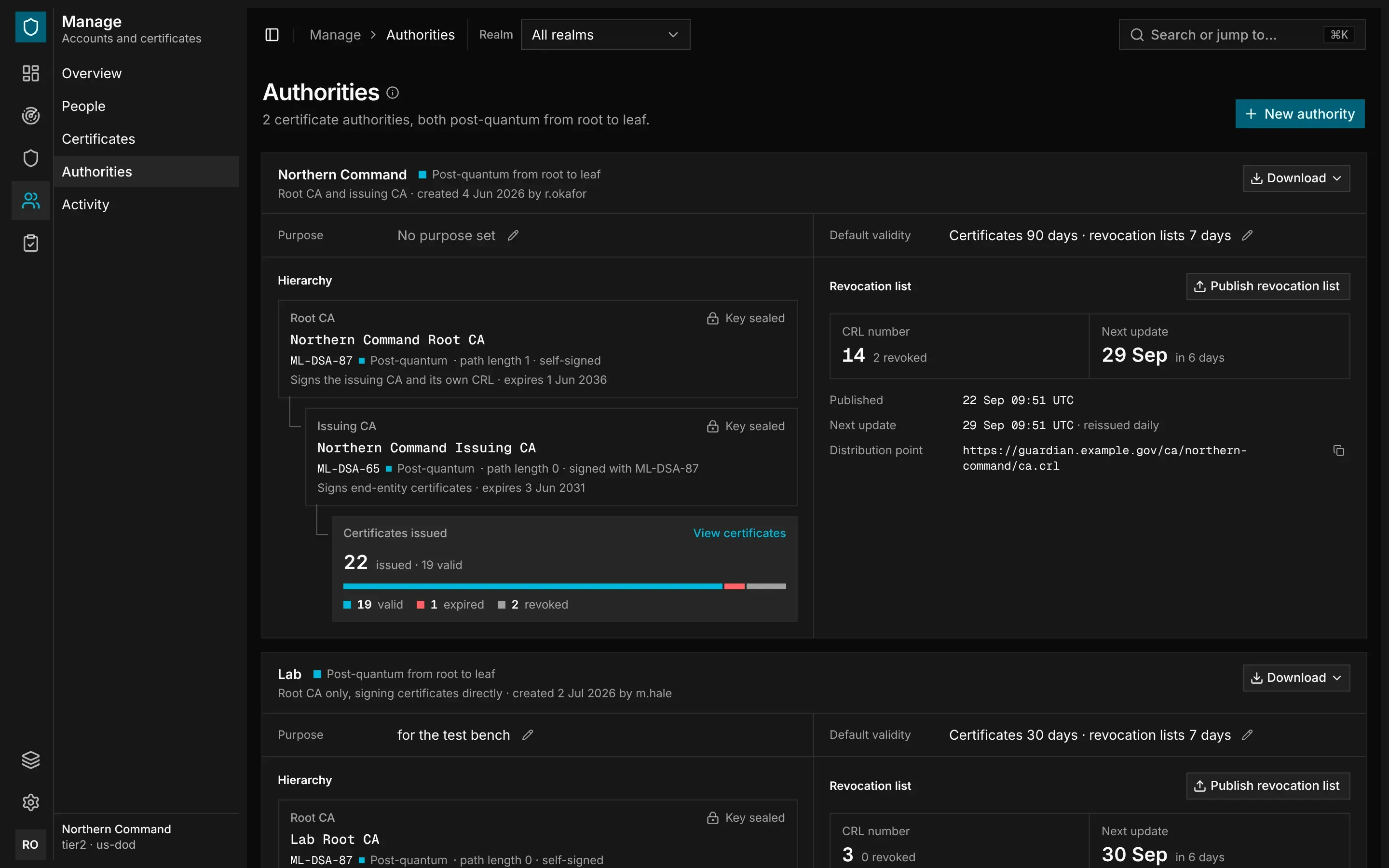
Each authority on Manage › Authorities shows its purpose, default validity and hierarchy, and the certificates it has issued. To download its chain, root certificate or revocation lists, select Download.
Creating an Authority
You need the admin role.
Open Manage › Authorities and select New authority. Enter a Name. The root CA is then called
NAME Root CA. Organisation and Purpose are optional, and the purpose appears only in the console.
Issuing a Certificate
You need the manager role or higher.
Open Manage › Certificates and select Issue certificate. Choose a key source:
- Upload a signing request (recommended). The private key never leaves the system that generated it. The request's signature must be valid.
- Generate a key pair. The guardian generates the key and delivers it once, in a PKCS#12 file protected by a passphrase you choose. It keeps no copy.
Manage › Certificates › Issue certificate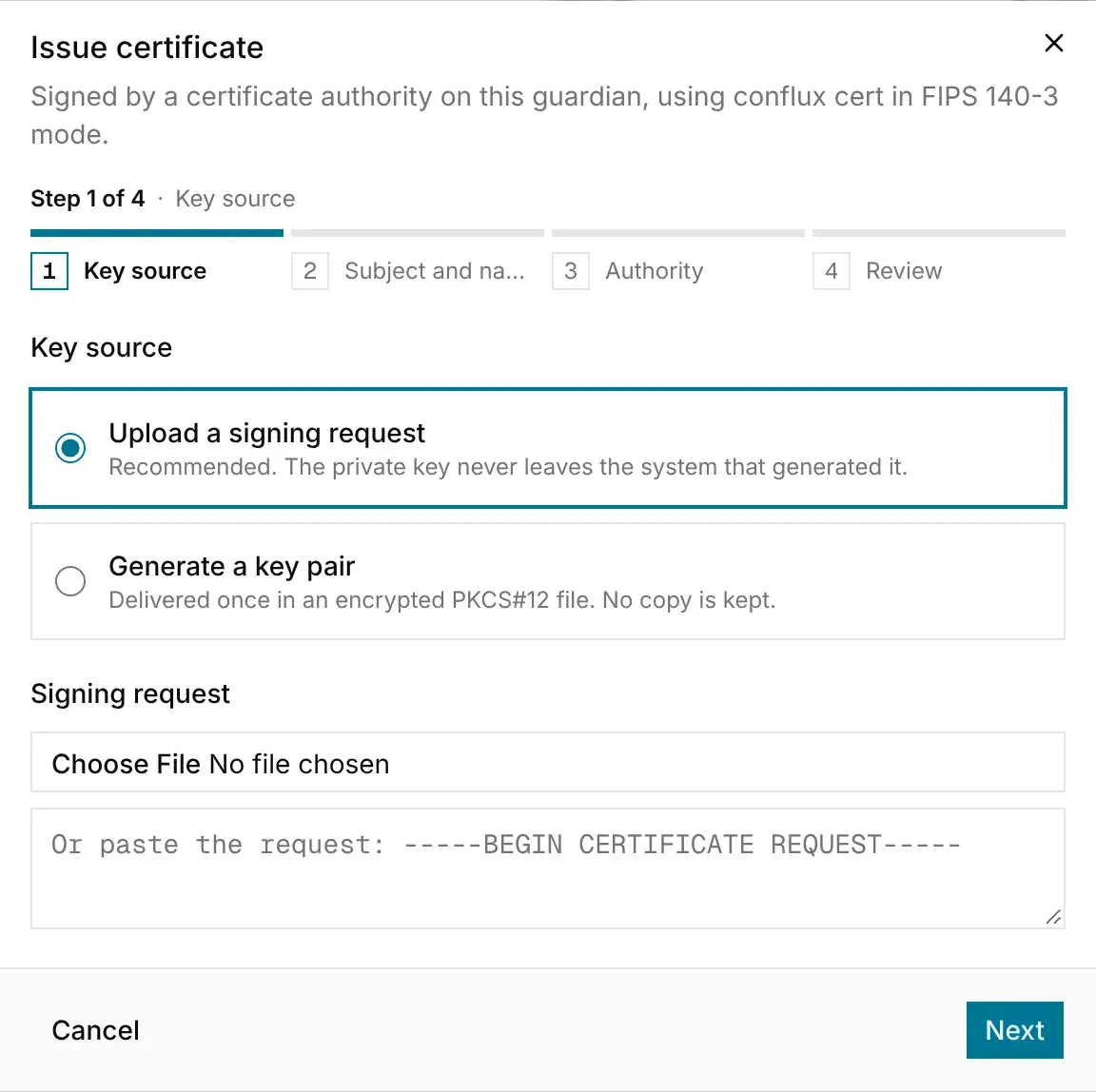
Renewing and Revoking
To renew a certificate, open it and select Renew. The new certificate has the same subject, names and profile, and comes from the same authority. If the key came from a signing request, the new certificate uses the same key. If the guardian generated the key, it generates a new one and delivers it once, as before. The old certificate stays valid until it expires or is revoked.
To revoke a certificate, you need the admin role. Open the certificate, select Revoke certificate and choose a Reason: Superseded, Key compromise, Affiliation changed, Cessation of operation or Unspecified. Type the common name to confirm.
Revocation is permanent, and the authority publishes a new revocation list straight away. If an endpoint still serves the certificate, deploy its replacement first.
Revocation Lists
The guardian republishes each authority's revocation list every day, and each list stays valid for the authority's CRL validity. To publish a list straight away, an admin selects Publish revocation list on the authority.
Every certificate names its issuer's revocation list as its distribution point. Clients download the list from the guardian's address under /ca/<authority>/, without signing in:
| Path | What it serves |
|---|---|
ca.crl | The issuing CA's revocation list, or the root's if there is no issuing CA |
root.crl | The root's revocation list, if there is an issuing CA |
chain.pem | The issuing CA and root certificates |
root.pem | The root certificate, for relying parties to trust |
Certificate Details
Select a certificate to open its details. The Overview tab shows its validity, subject, key and signature. Fingerprints shows its serial number, its SHA-256 fingerprint and its Public key pin. Renewing with the same key keeps the same pin.
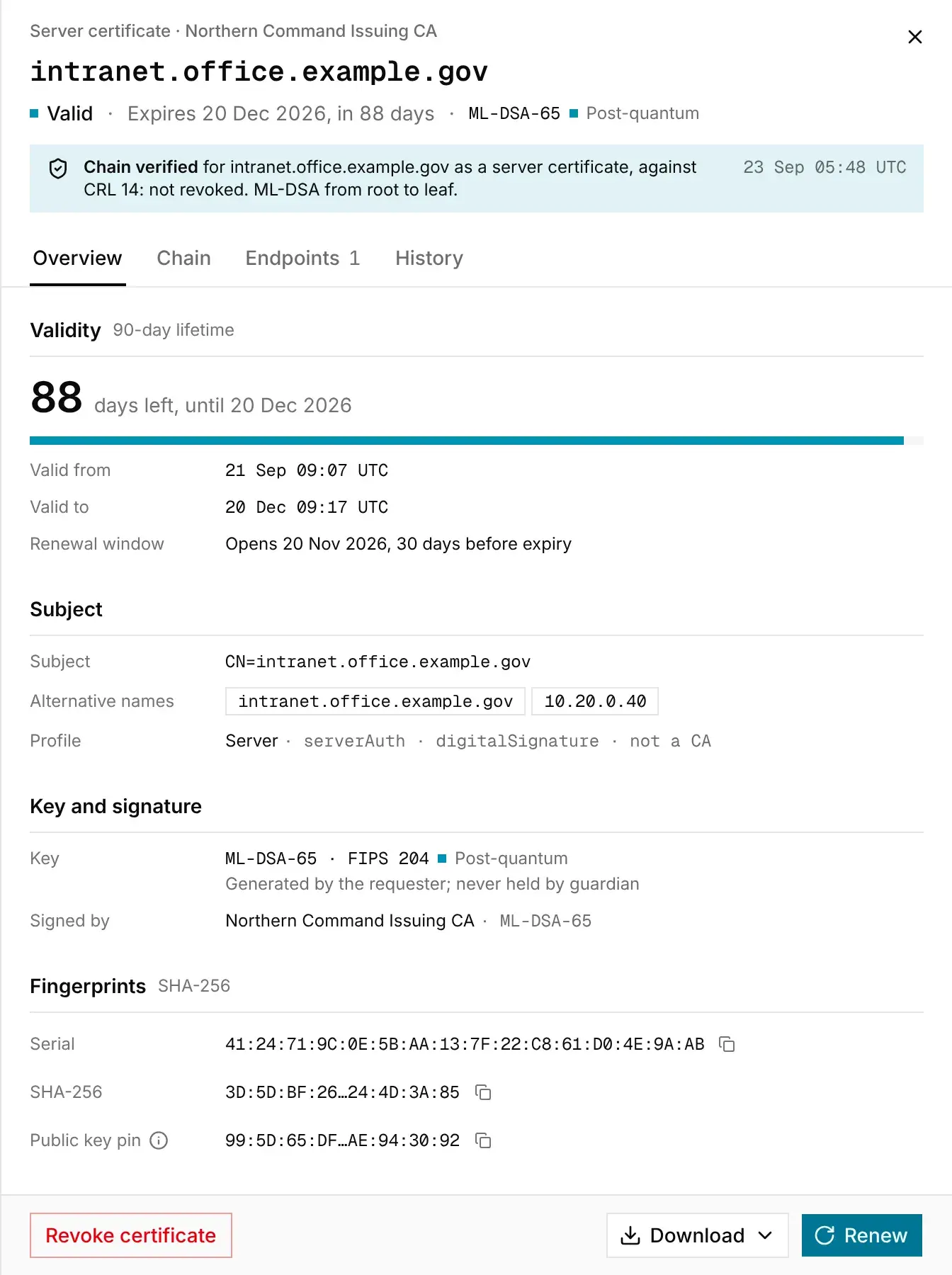
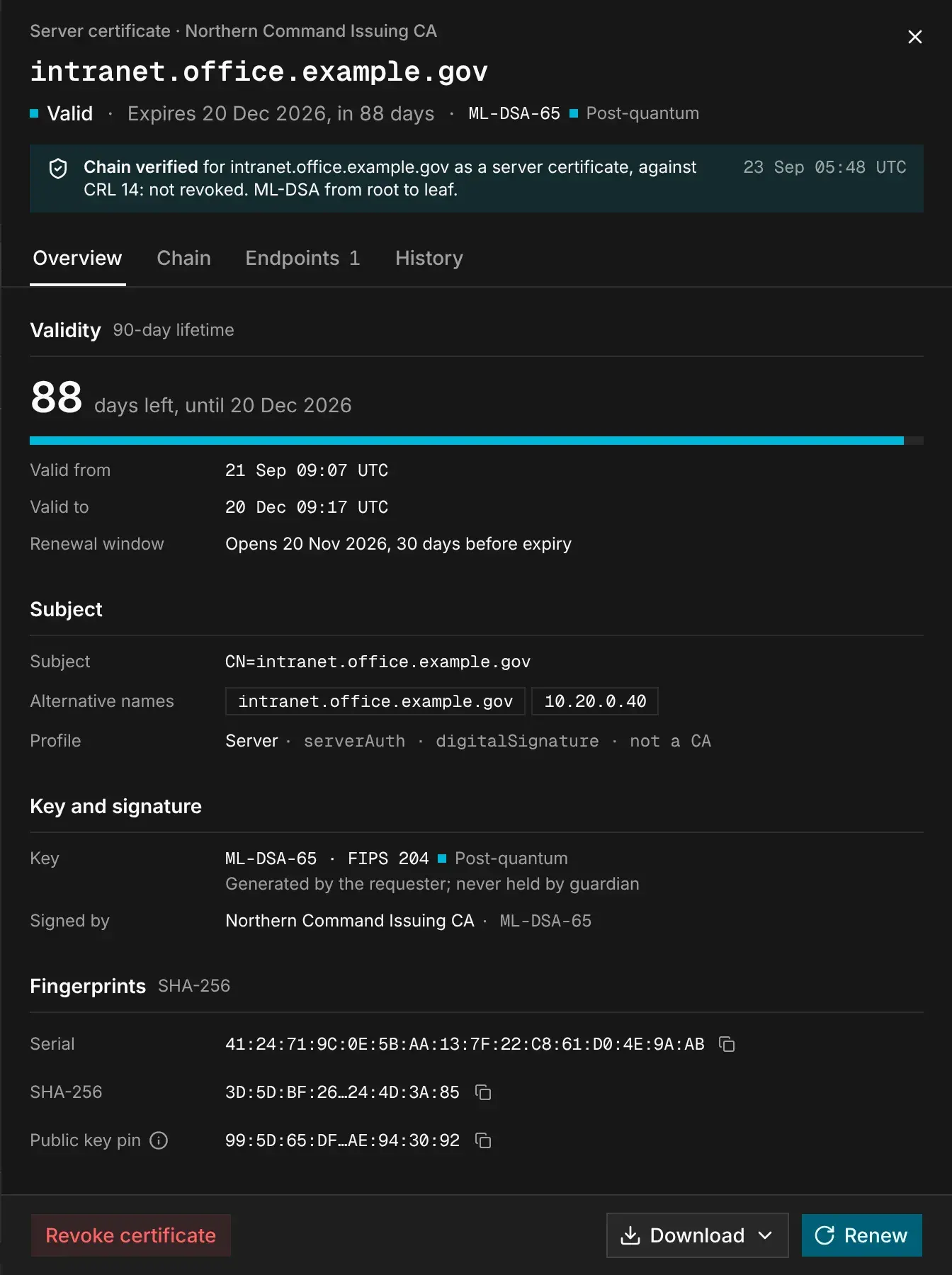
Chain verifies the chain of trust when you open the certificate. Endpoints lists where the certificate is served, and History lists everything that has happened to it, newest first. To download the certificate or its chain, select Download.
Who Can Do What
| Action | Auditor | Manager | Admin |
|---|---|---|---|
| Read certificates, authorities, endpoints and the record | ✓ | ✓ | ✓ |
| Issue and renew certificates | — | ✓ | ✓ |
| Watch, probe and stop watching endpoints | — | ✓ | ✓ |
| Revoke a certificate | — | — | ✓ |
| Create authorities, change their purpose and lifetimes, and publish their lists | — | — | ✓ |
Managers can issue certificates because a certificate expires on its own. Only admins can revoke certificates and manage authorities, because revocation is permanent and an authority signs for everything below it.