PQC Inventory
See every key exchange your machines negotiate and how exposed each one is to a quantum computer. Rate them under the NIST or CNSA 2.0 policy, and find out which side has to change.
- Where
- Discover › Inventory
- Who
- Auditors and above
Before You Begin
You need the auditor role or higher. The guardian builds the inventory from traffic that your nodes observe, so at least one node must run the observer.
- A node commissioned with Observe traffic already runs the observer. The option is on by default. See Commissioning Machines.
- For any other node, open the Observers tab, find the node and copy the command under Enable observer. The command includes this guardian's collector address, so the records reach the guardian.
$ sudo conflux up --observe --export <collector address>
The first records arrive within a minute. To observe a host that is not on the overlay, see Observing Traffic.
- On Discover › Inventory, the Observers tab shows the node as Observing, with a recent Last record.
The Discover Overview
Discover › Overview summarises the cryptography in your fleet's traffic, certificates and TLS endpoints. Select any figure to open the page behind it.
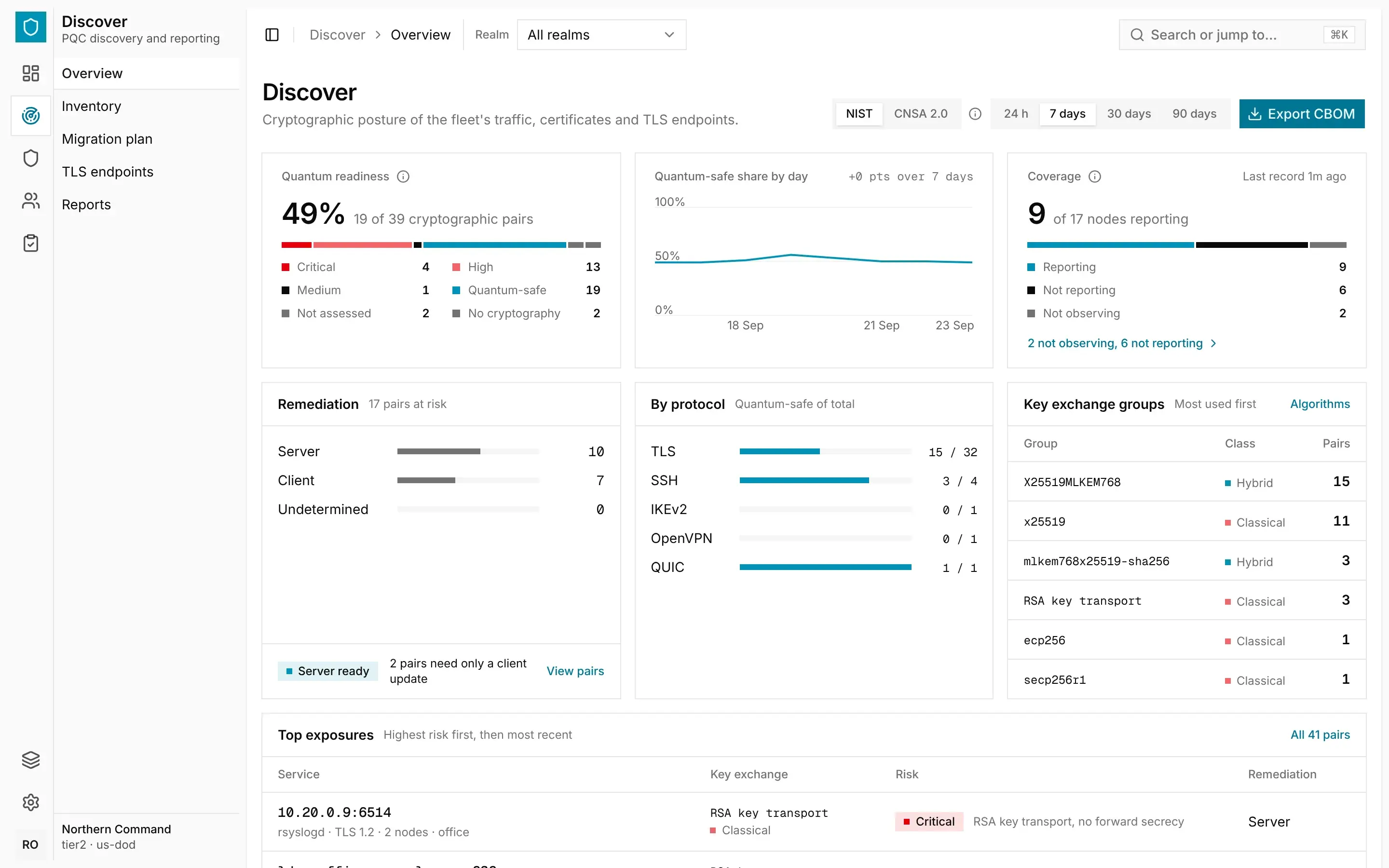
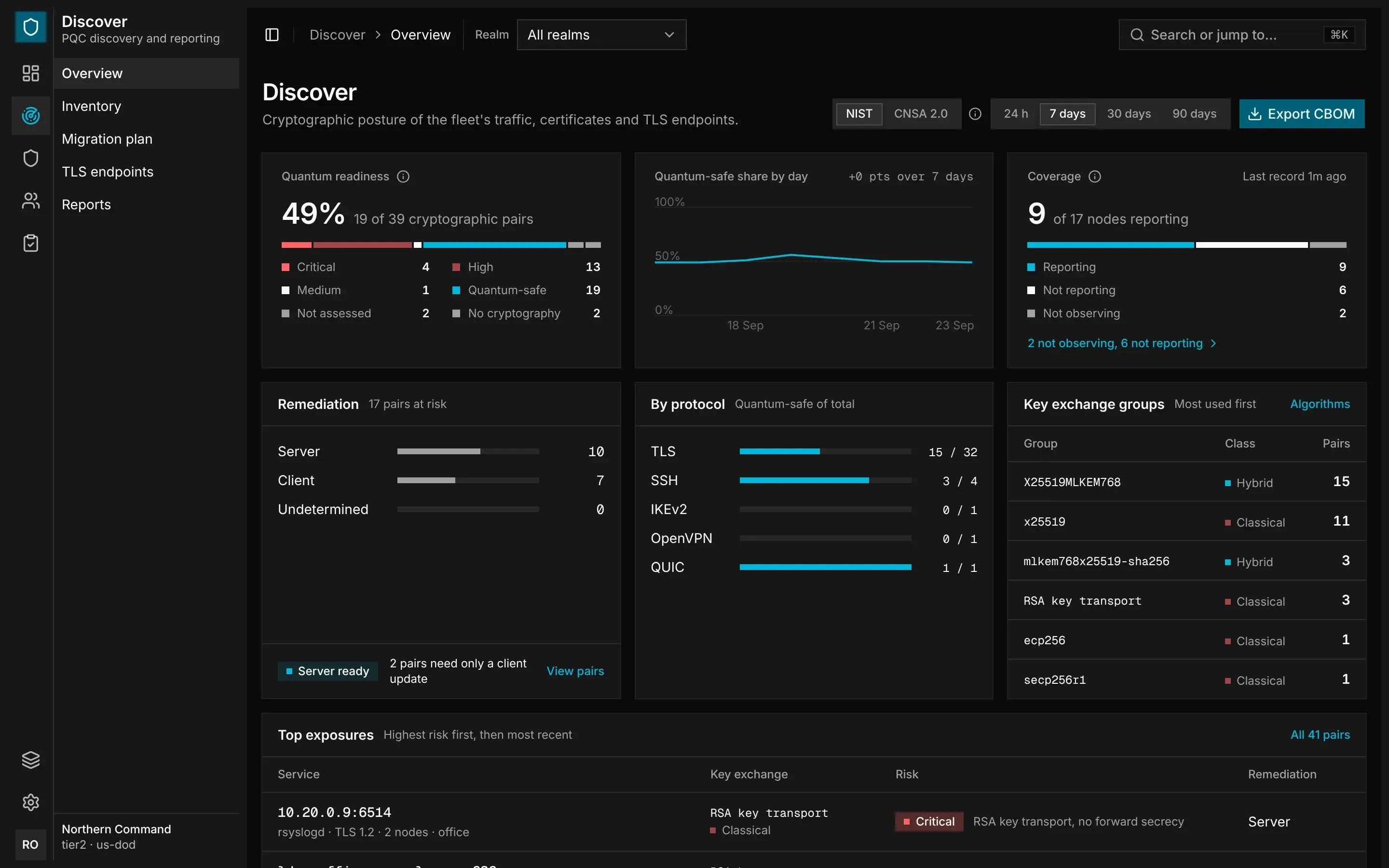
- Quantum readiness shows what share of the pairs that use cryptography are quantum-safe, and how many pairs are at each risk.
- Quantum-safe share by day shows how that share has changed over the window.
- Coverage shows how many nodes are reporting, not reporting or not observing.
- Remediation shows how many of the pairs at risk need a server change, how many need a client change and how many are undetermined.
- By protocol shows the quantum-safe share for each protocol, and Key exchange groups lists the groups in use.
- Top exposures lists the riskiest pairs first, then the most recent.
- Changes lists the pairs that became quantum-safe, regressed or are no longer observed.
Reading the Inventory
Open Discover › Inventory. The Connections tab lists every service pair. A service pair is one application and the service it connects to. Each row shows the service, protocol, key exchange, risk and remediation, how many nodes saw the pair and when it was last seen.
Discover › Inventory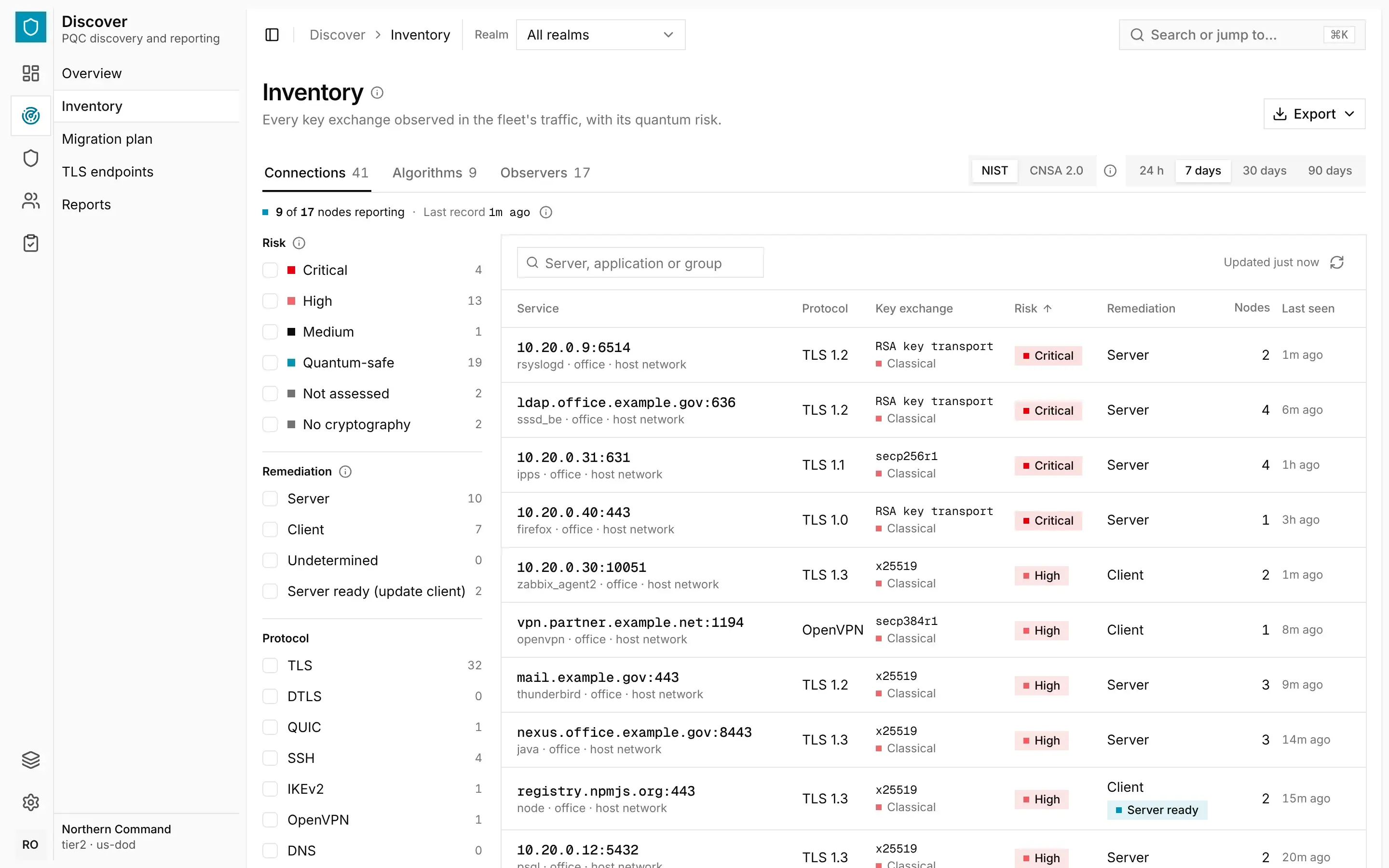
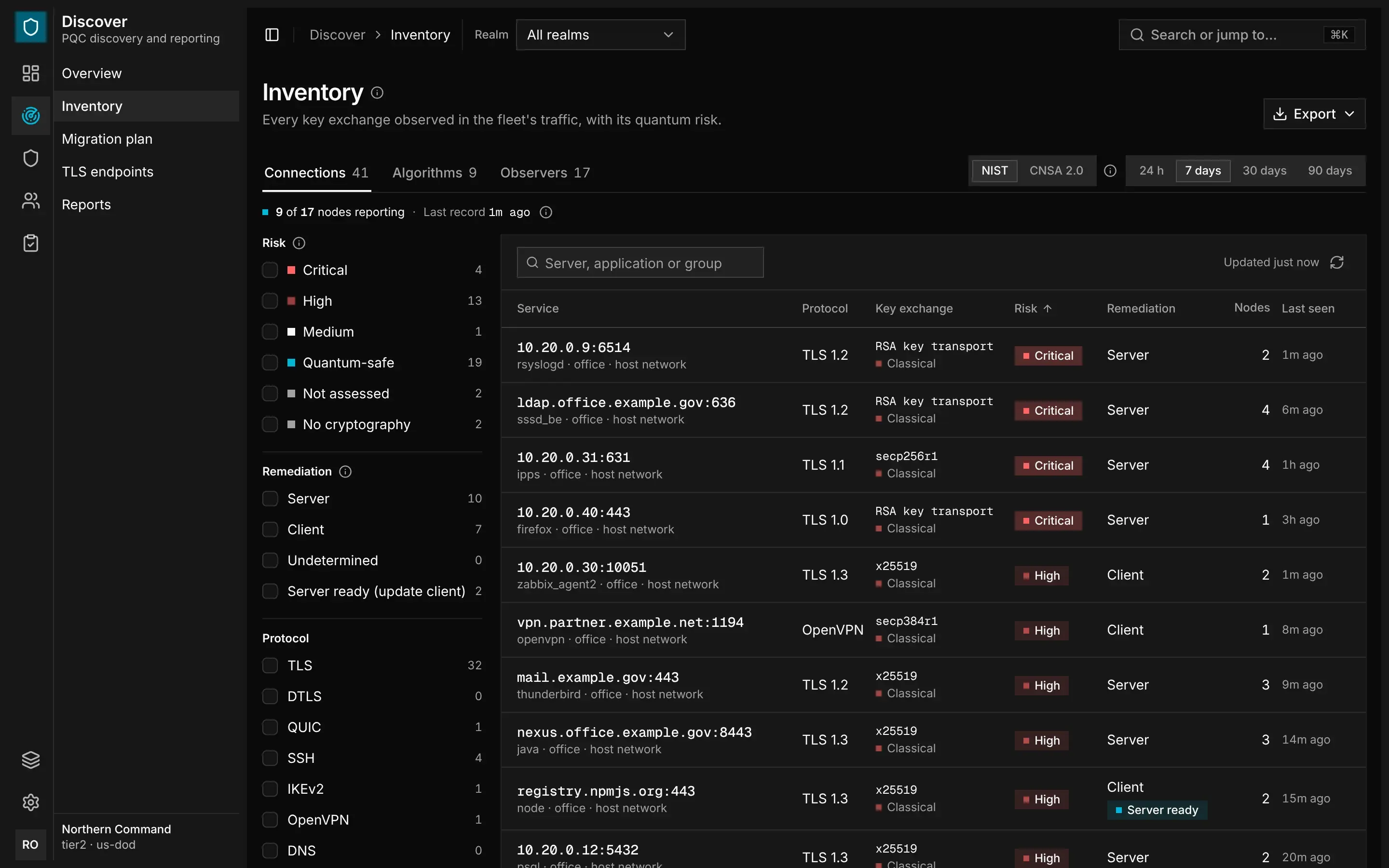
The Algorithms tab lists each key exchange group with its class and highest risk. Select a group to see its connections. The Observers tab lists each node with its coverage and quantum-safe share.
Risk Tiers
Each pair gets one of six risk ratings, based on the cryptography it uses:
| Risk | Meaning |
|---|---|
| Critical risk | The connection is exposed now, without a quantum computer. This covers a NULL cipher suite, TLS 1.1 or earlier, TLS 1.2 or earlier with RSA key transport or without forward secrecy, and an SSH key exchange that uses SHA-1. |
| High risk | The key exchange is classical. Traffic recorded today could be decrypted once a quantum computer exists. |
| Medium risk | The key exchange is post-quantum but not FIPS 203, such as sntrup761 or the Kyber drafts. Under CNSA 2.0, an ML-KEM group smaller than ML-KEM-1024 is also medium risk. |
| Quantum-safe | The key exchange uses ML-KEM (FIPS 203), on its own or in a hybrid. |
| Not assessed | No key exchange was seen, for example on a resumed session. These pairs never count as quantum-safe. |
| No cryptography | The protocol has no cryptography of its own, such as ICMP, DNS or plain HTTP. These pairs are left out of the quantum-safe share. |
A pair's rating is the worst one any node recorded for it within the window. If a pair was ever seen using cryptography, that rating takes precedence over No cryptography.
Who Must Change
For each pair at critical or high risk, the inventory names the side that prevents post-quantum key exchange:
| Remediation | Meaning |
|---|---|
| Server | The client offered post-quantum key exchange, but the server chose a classical one. |
| Client | The client offered no post-quantum group. |
| Undetermined | The handshake does not show which side is responsible. |
Sometimes the client is the blocker, but the same server has been seen using quantum-safe key exchange with another application or node. The pair is then marked Server ready, and updating the client is enough. To list these pairs, filter Remediation by Server ready (update client).
Policy, Window and Network
Three settings decide what Discover shows. Each page keeps them in its address, so a shared link opens the same view.
- Policy decides what counts as quantum-safe. Under NIST, any ML-KEM group does. Under CNSA 2.0, only ML-KEM-1024 does. The guardian rates risk each time you load a page, so changing the policy re-rates everything it has kept.
- Window sets the period: 24 h, 7 days, 30 days or 90 days. It shows the pairs last seen within that period. A pair's flow and byte counts start from when it was first seen.
- Network chooses which traffic to show. Host network is a node's traffic outside the overlay, Overlay is traffic between nodes, and All is both.
The guardian keeps a service's records for 90 days after it was last seen. To show one realm or all of them, use the realm scope in the top bar. See The Console.