Access Reviews
Review every account's access on a regular schedule. Decide whether to keep, change or remove each account, then close the review to make it the evidence for its period.
- Where
- Audit › Reviews
- Who
- Admins; auditors and above can read
Before You Begin
Admins start reviews, record a decision for each account and close reviews. Auditors and above can read every review and download it as a CSV file.
Before you start, agree which admin will start the review and which will close it. See Separation of Duties.
Starting a Review
Open Audit › Reviews and select Start access review. You can also choose this action in the command palette.
What Each Row Shows
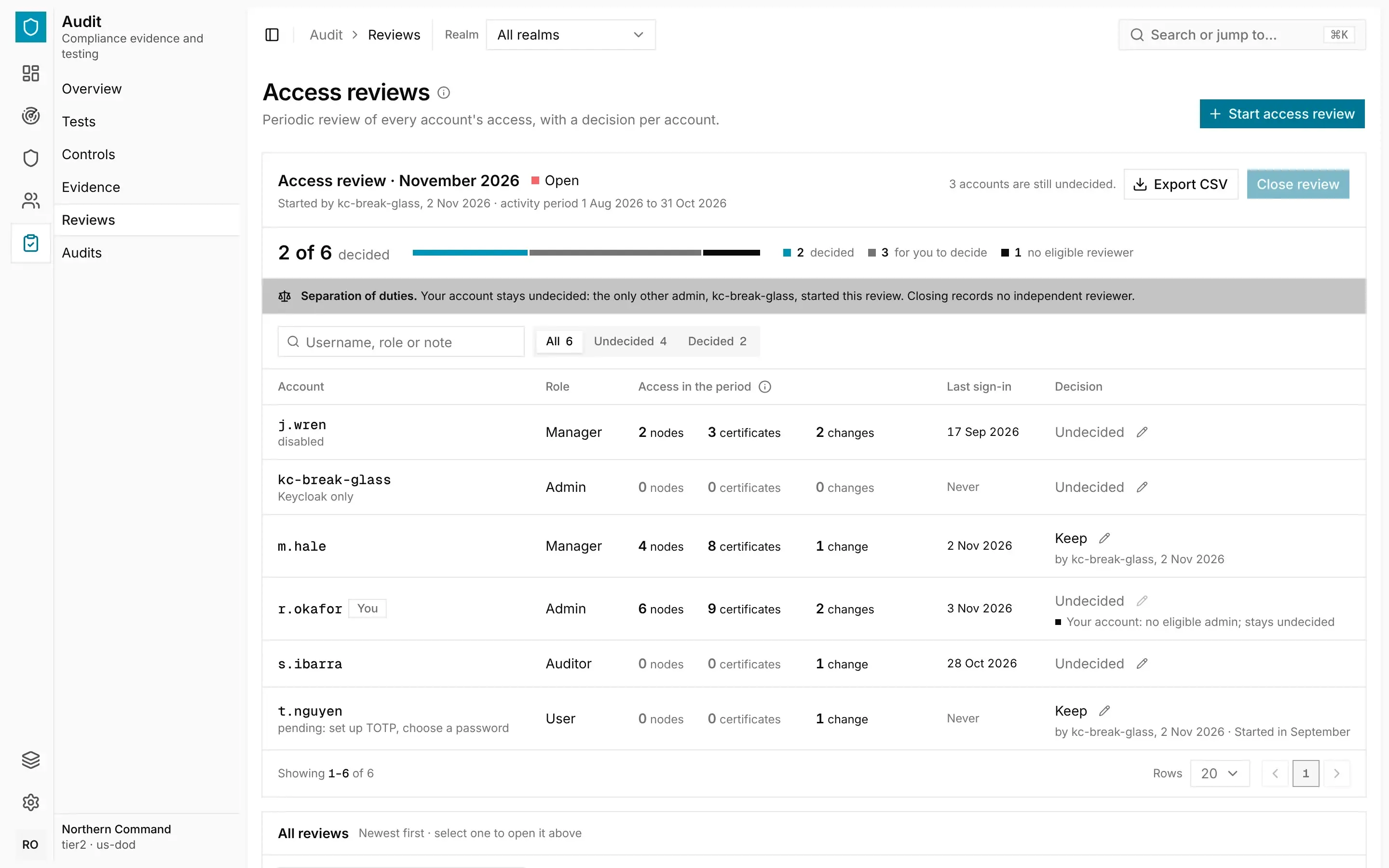
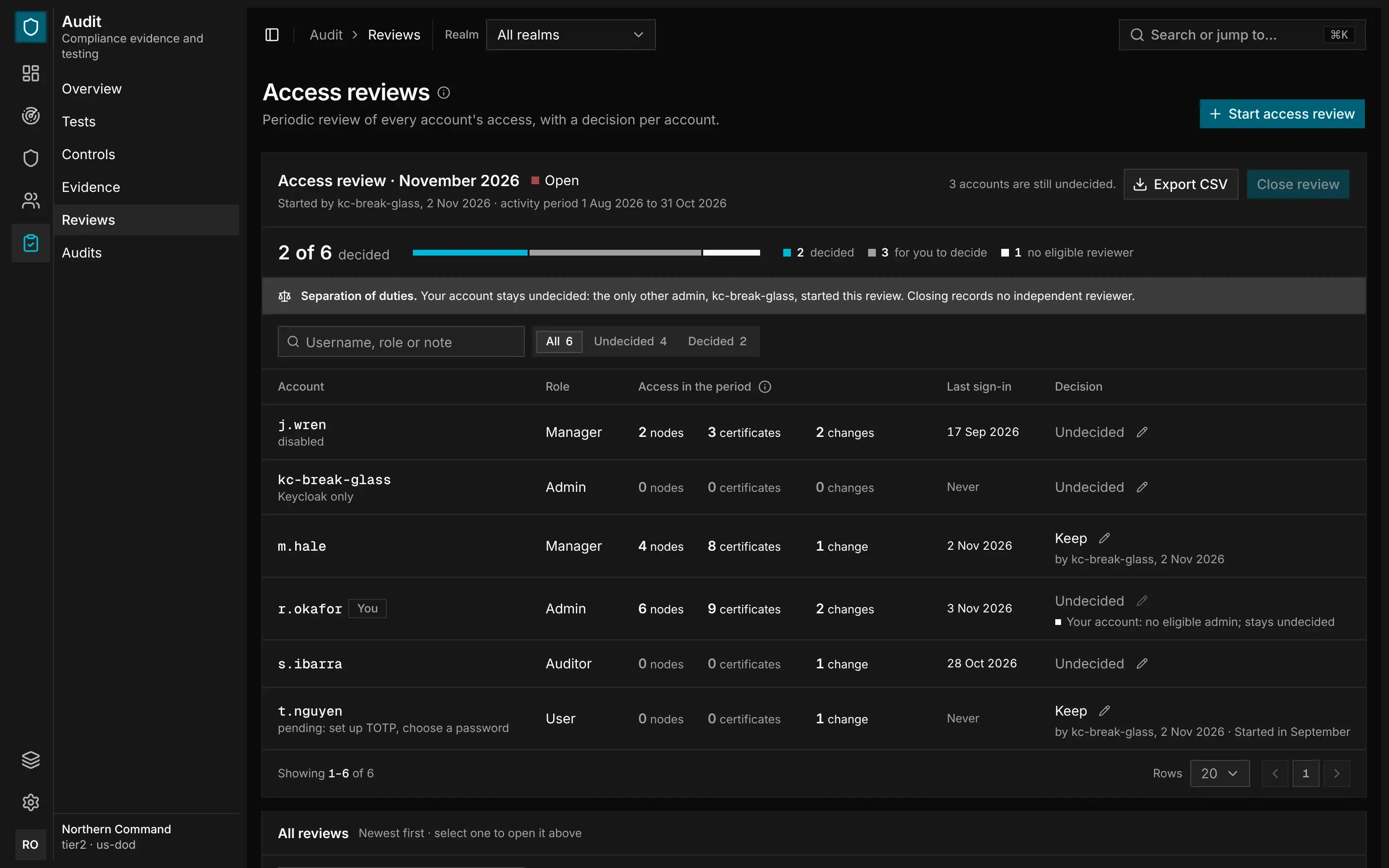
Each row shows what you need to decide whether to keep the account:
- Role shows the account's role and state, including whether it is disabled and any setup it has not finished.
- Access in the period shows the nodes the account commissioned, the certificates it issued and the changes made to it during the activity period.
- Last sign-in shows when the account last signed in, or Never.
- Decision shows the decision and its note.
Deciding Each Account
To record a decision for an account, choose a decision on its row and add a note if you want to. Then select Save decision.
| Decision | Meaning |
|---|---|
| Keep | The account's access stays as it is. |
| Change | The account's role or setup should be changed in People. |
| Remove | The account should be removed in People. |
A decision records what should happen, but it doesn't change anything by itself. To act on it, change the role or remove the account in Manage › People, where the change is also recorded. See Sign-In, Roles and Accounts.
To see which accounts are left, filter the rows by Undecided.
Separation of Duties
The guardian applies these rules to keep each review independent:
- Nobody can decide their own account.
- An admin's account must be decided by an admin other than the one who started the review.
- The review must be closed by an admin other than the one who started it, unless no other admin account is enabled.
If no one else is allowed to decide on an account, it stays undecided when the review closes. The review is then marked No independent reviewer, and the evidence shows this.
Closing a Review
When every account that can be decided has a decision, an admin selects Close review. After a review is closed, its decisions can no longer change.
The latest review closed in a period becomes the access-review evidence item for that period, and it is included in every evidence pack whose frameworks need it. To download a single review, select Export CSV.