

Conflux
Deploy a new Conflux Instance
Please refer to the Quickstart Guide to deploy a new Conflux instance.
View Conflux Instances
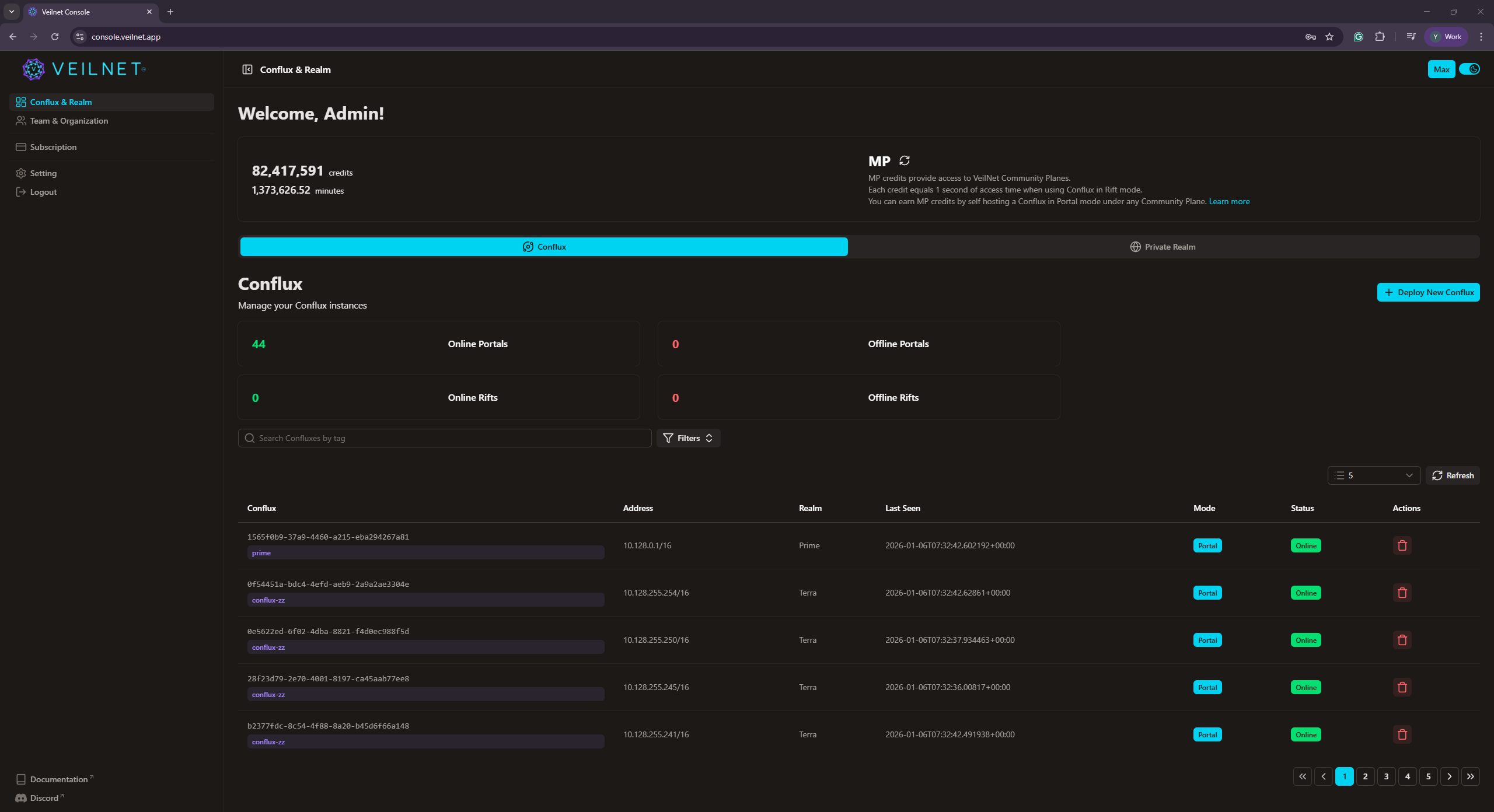
Your Conflux instances are shown under Conflux & Realm -> Conflux tab. The table can be searched by the text input and additional filters based on Realm, Region, Status, and Modes. To view the details of a Conflux instance, simply click on the Conflux ID.
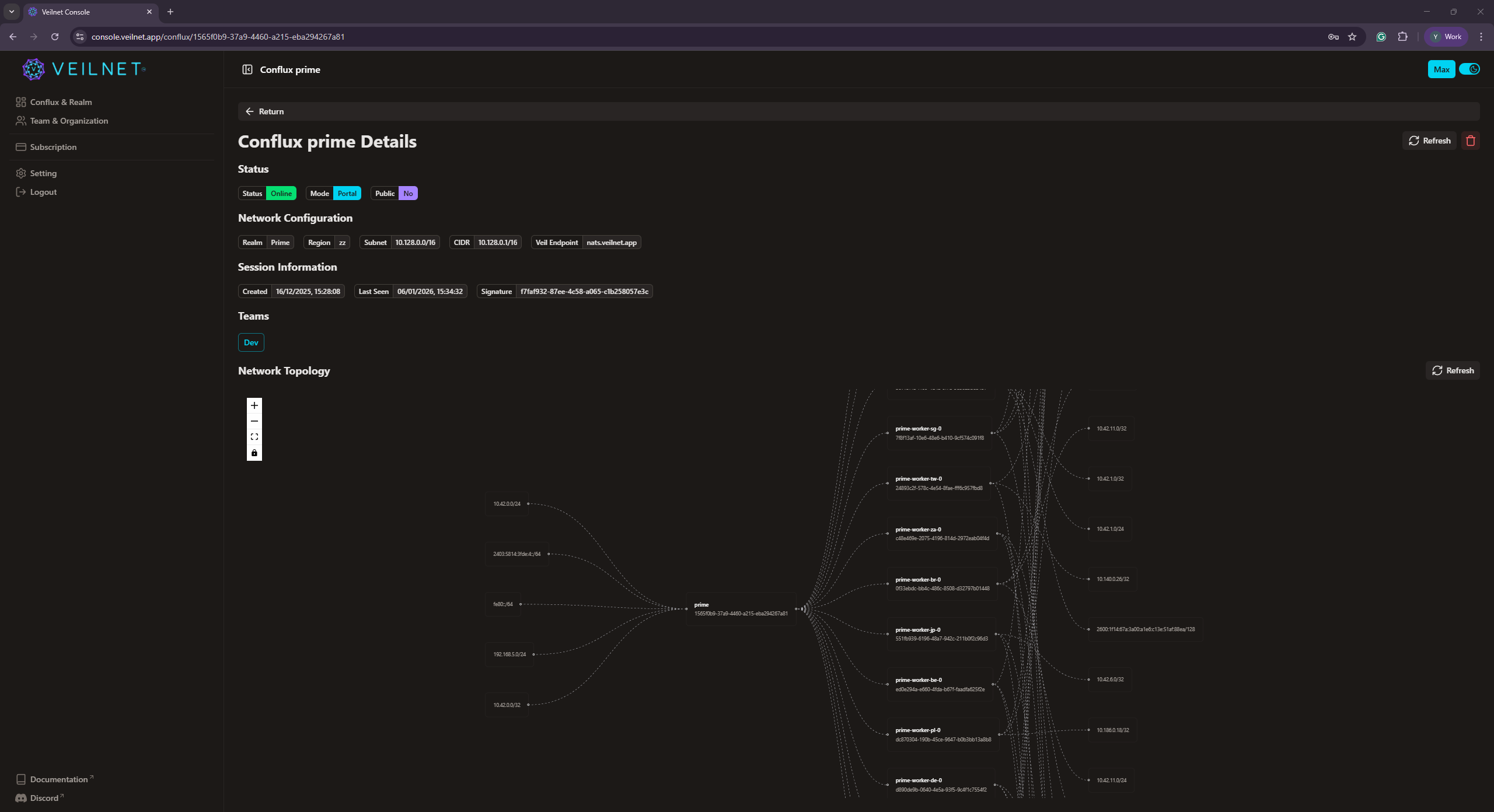
In the Conflux detail page, you will see all its contributes, and a representation of the network topology from the perspective of the instance. You can quickly identify which network is reachable by this Conflux instances, and who are the trusted remote Conflux instances.
Note: If you are the owner of the
Private Realm, you will see all Conflux instances under that Realm including instances from other users.
Note: As
Realm owner, you will be able to delete any Conflux instance even if it is deployed by team members.
Disconnect a Conflux Instance
A Conflux instance can be disconnected by deleting it. You can delete it from the action button under the table of Conflux instances on the main page, or at the top right corner of the conflux detail page.
Warning: If the instance is created via a registration token, it will be attempt to register again with the VeilNet when the instance is deleted. To fully block the connection, you should
also revoke the registration token.