
Windows
Graphical Application (Beta)
A graphical application is available for Windows to help you quickly connect to the VeilNet. The application is available for download from here.
Sign In
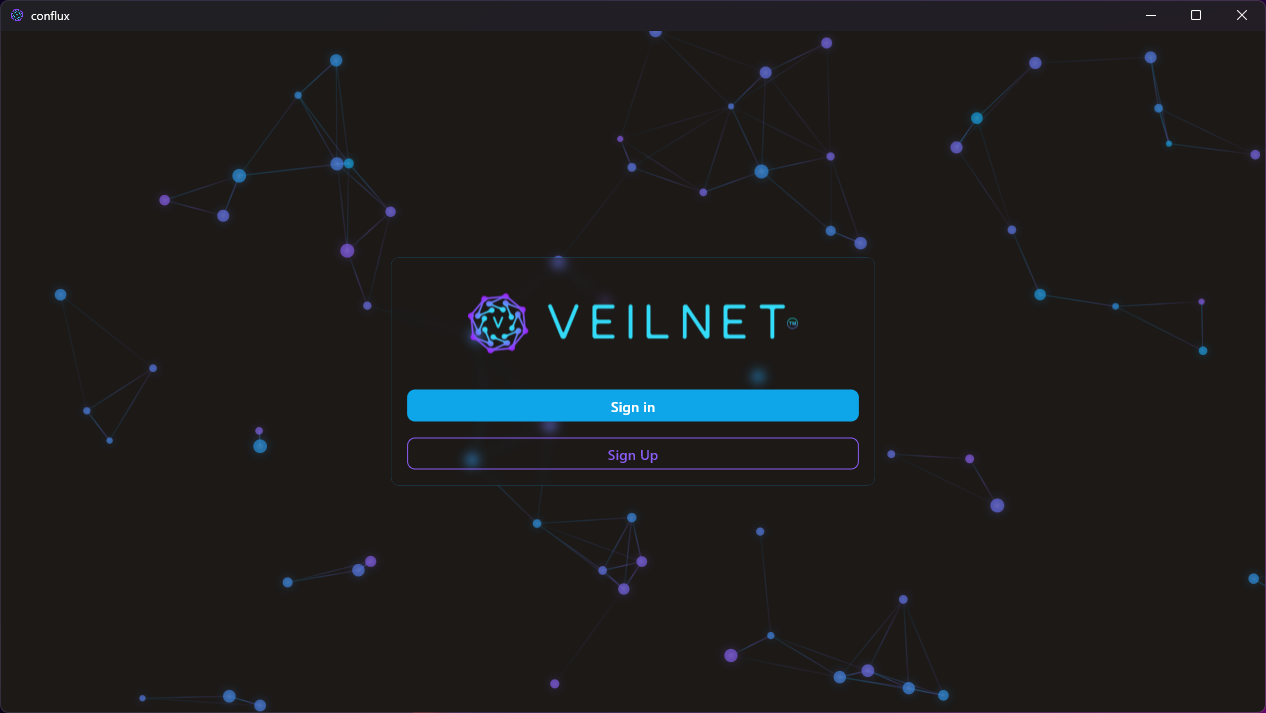
Simply open the application and click the Sign In button. You will be redirected to the VeilNet authentication portal in the browser. Simply sign in and select Windows as the platform, then click the Continue button. Your application then will be authenticated.
Warning: The application must remain open during the authentication process. If the application is closed, you will fail to authenticate.
Connect to the VeilNet
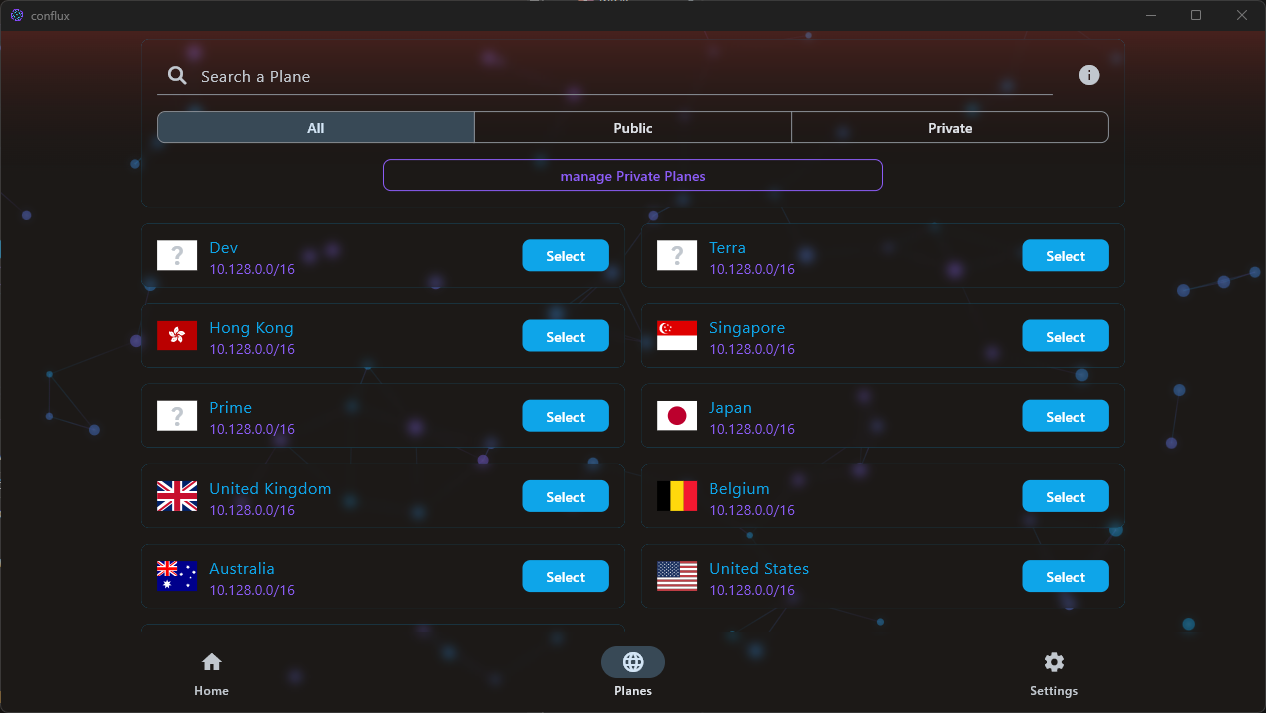
To connect to the VeilNet, simply navigate to the Realm tab and select any desired Realm. Then, click the Connect button near the buttom, you will be connected to the VeilNet.
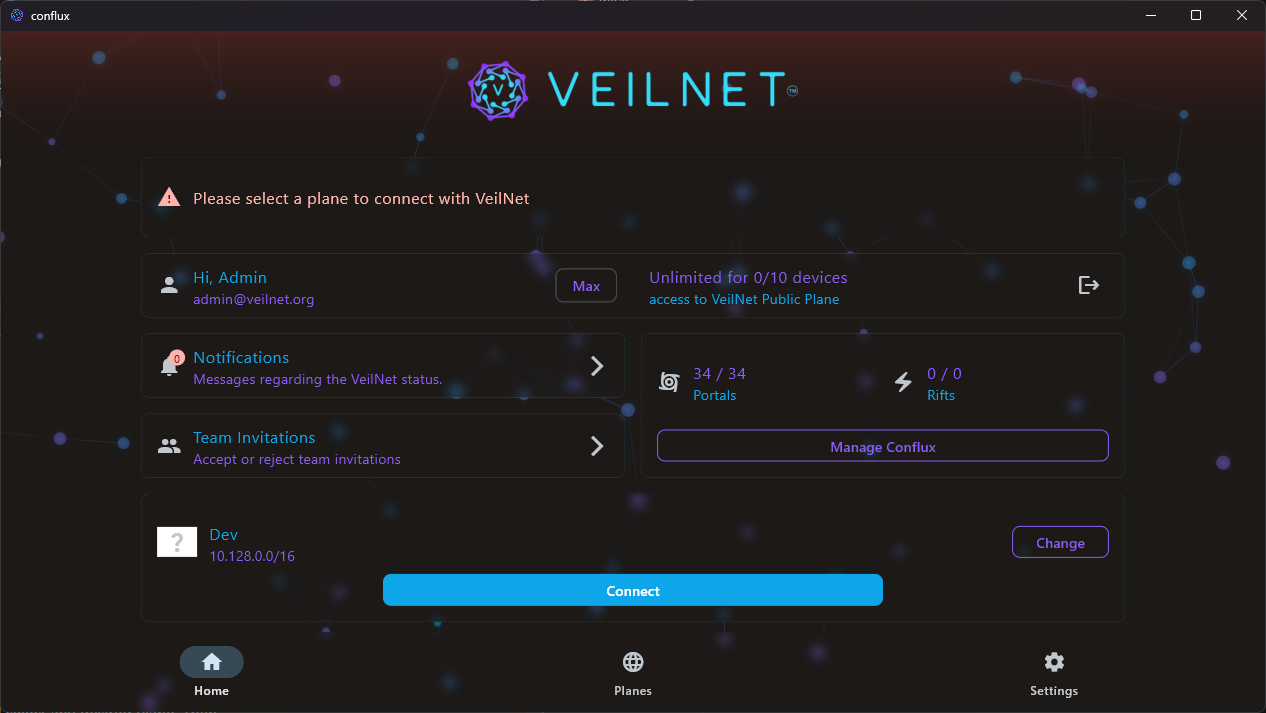
Once connected, you will see a green taint from the top of the application, and a status card shows the Conflux instance tag and CIDR.
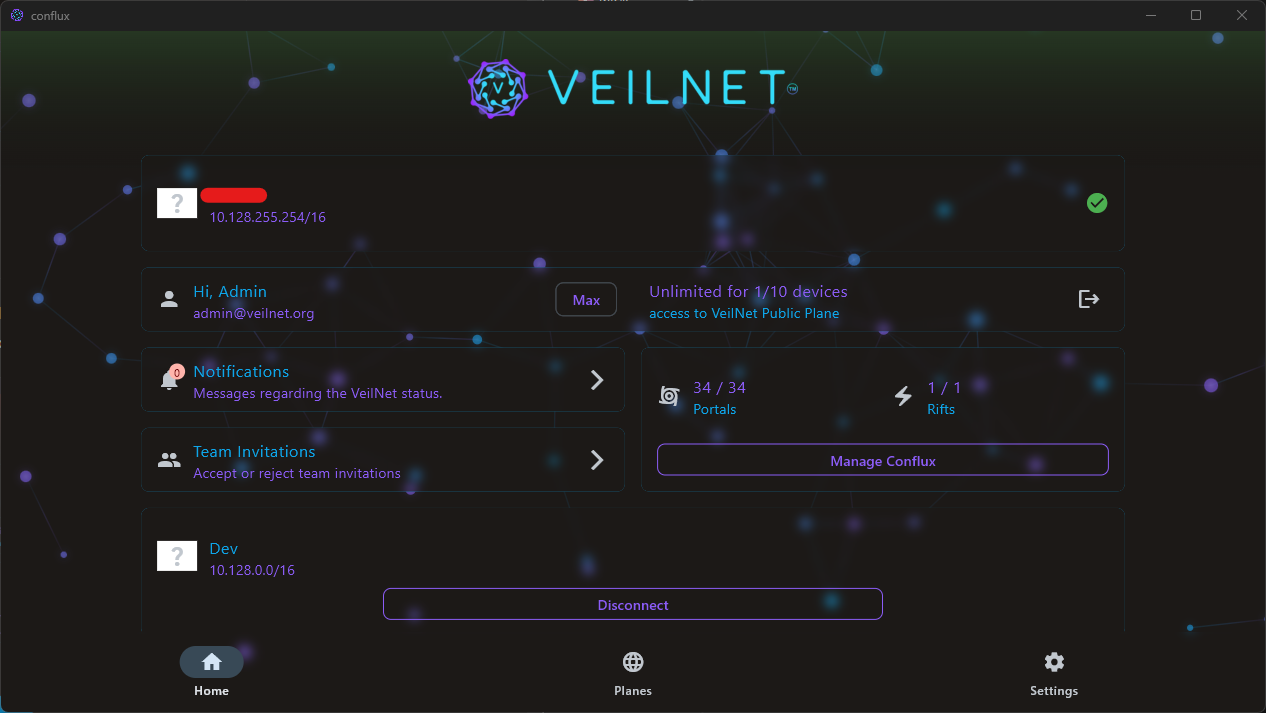
Note: The application does not have to remain open to keep the connection alive. The VeilNet Conflux service will keep running in the background, but do not survive system reboot.
Warning: Windows only supports
Riftmode, which means all host traffic will be forwarded to the VeilNet, you may lose access to your local network and services.
Disconnect from the VeilNet
To disconnect from the VeilNet, simply click the Disconnect button near the buttom, you will be disconnected from the VeilNet.
System Service
You can also install VeilNet Conflux as a system service from binary without any graphical interface. The binary is available for download from the releases page.
Obtain a registration token
Please refer to the Quickstart Guide to obtain a registration token.
Install the VeilNet Conflux binary
To install the VeilNet Conflux as a system service, simply run the following command:
.\veilnet-conflux register -t <registration_token>
Warning: The command must be run as administrator in a PowerShell terminal. This will install the VeilNet Conflux as a system service, and register with the VeilNet.
Note: This installation method will make the VeilNet Conflux service persist after system reboot. Your device will automatically connect to the VeilNet when it starts up.
Additional Configuration
There are some additional configuration options that can be passed when execute the binary.
-g: Set the guardian url, default ishttps://guardian.veilnet.app. Guardian authentication server is not available for self-hosting at the moment, so you should not change this.-p: Enable portal mode. Without this option, the VeilNet Conflux will operate in Rift mode which forward all host traffic to the VeilNet, and does not access to the container network, host, and local network.--cidr: Set the CIDR of the VeilNet Conflux instance.--tag: Set the tag for the VeilNet Conflux instance, simply a human-readable identifier for the instance.--team: Set the team for the VeilNet Conflux instance, forAccess Controlfeature.
Additional Commands
There are also additional commands that can be used to manage the VeilNet Conflux service.
up: Start the VeilNet Conflux service with a Conflux token. This is for intergration with other programs such as our Flutter app. It will start the service but it will not persist after host reboot. Conflux token can only be obtained by direct API request to the Guardian.down: Stop the VeilNet Conflux service.start: Start the VeilNet Conflux service, if registration token is provided, it will use the registration token to register with the VeilNet.stop: Stop the VeilNet Conflux service. This will not unregister the service from the VeilNet.install: Install the VeilNet Conflux service as a system service. This willnotregister the service with the VeilNet.remove: Remove the VeilNet Conflux service from the system. This willnotunregister the service from the VeilNet.unregister: Unregister the VeilNet Conflux service from the VeilNet. This will remove the service from the system.