
Managment Portal
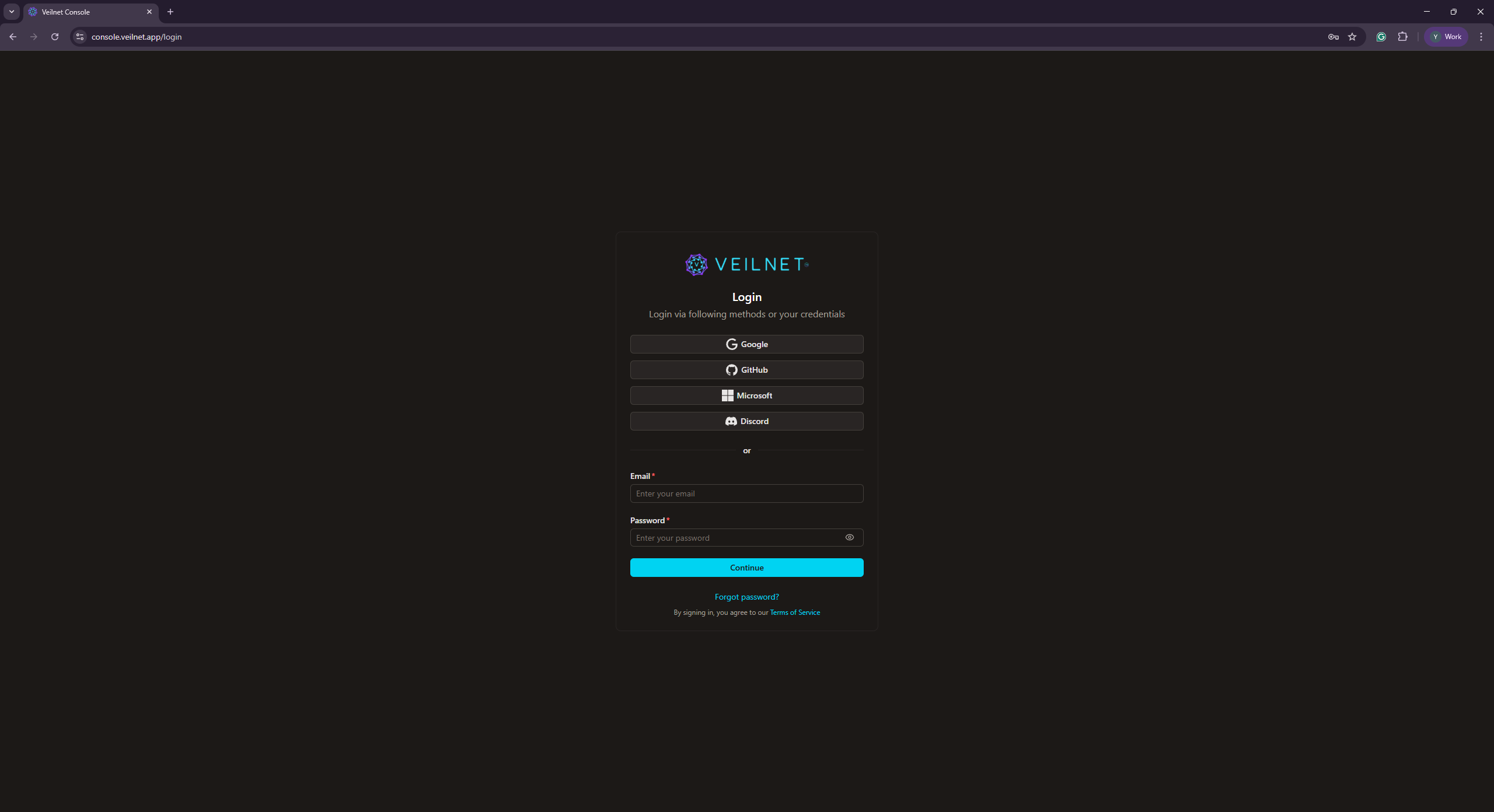
Access the VeilNet authentication portal to manage your VeilNet account and resources.
VeilNet Management Portal
You can access the management portal at console.veilnet.app.
The management portal is a Nuxt.js application that offers you management for Conflux instances, Private Realms, Teams and Organisations.
This new management portal is currently in Beta and will be open-sourced once it is stable. You will be able to self-host it on your own infrastructure via Docker or Kubernetes.